To use advertising features publishers must have at least a Pro podcasting package or any radio streaming package.
The advertising page allows publishers to manage the advertising settings on their account.
Publishers can activate advertising features by accepting our advertising terms and conditions.
.png)
Once activated, this page will contain all the high-level advertising settings for the account:
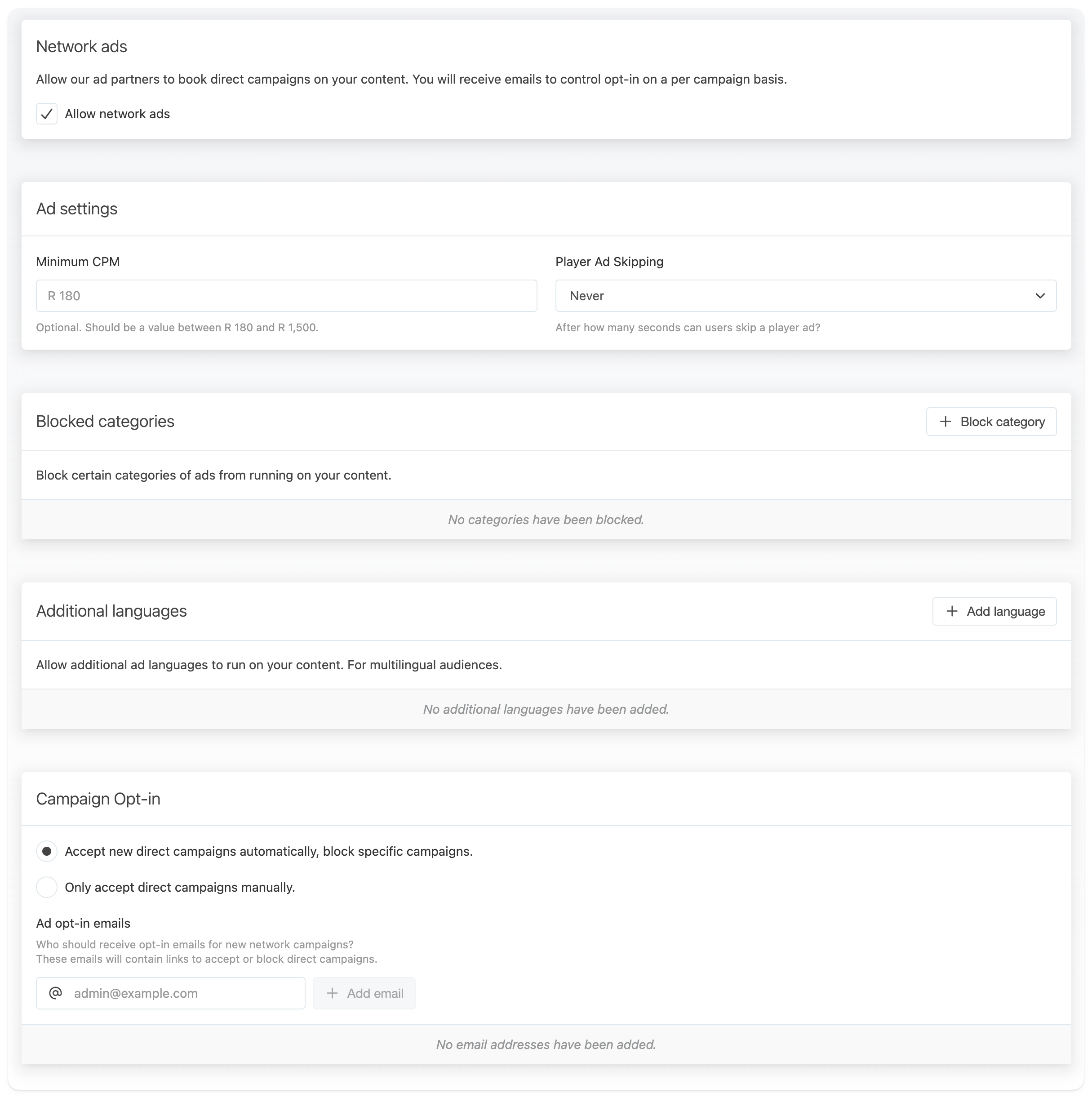
Network ads
By default publishers can choose to participate in ad campaigns booked by our network of advertising partners. These are direct campaigns that book a specific amount of budget/impressions on a publisher's content, along with opt-in and opt-out mechanisms. To prevent any third-party ads on content, this can be disabled on the account.
Network ads can also be disabled on a per-stream, show or even episode level. For example to allow network ads can be enabled on the publisher but excluded for specific shows that run internal sponsorships.
Ad settings
-
Minimum CPM: The minimum CPM (Cost per Thousand Impression) accepted for advertising on the publisher content. This controls the default for all of the publisher's content, but can be adjusted per show or stream. For example, setting a lower publisher default, but increasing this for a higher-value financial show.
-
Player Ad Skipping: Controls the number of seconds after which listeners may skip ads when listening to the publisher's content in the iono.fm web player. We recommend a default value of 10 seconds. Disabling ad skipping may lead to user dissatisfaction.
Blocked categories
Publishers can add one or more categories of advertising they never want to run on their content. Campaigns belonging to the selected categories will be blocked.

Additional languages
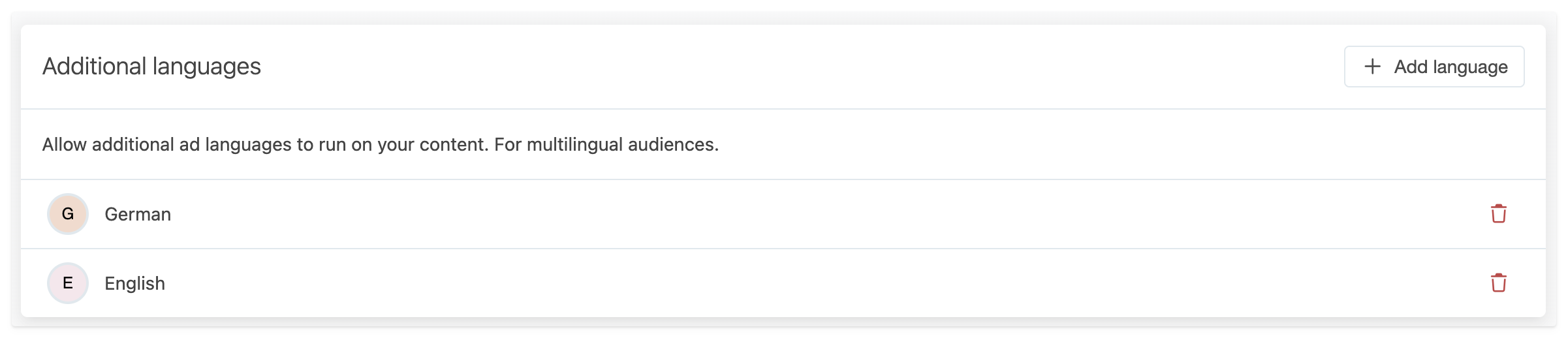
Audio advertising automatically only runs when their spoken language matches the main language of the stream or show they are running on. For publishers with multi-lingual audiences that are willing to deliver ads in other than the main language can add them here.
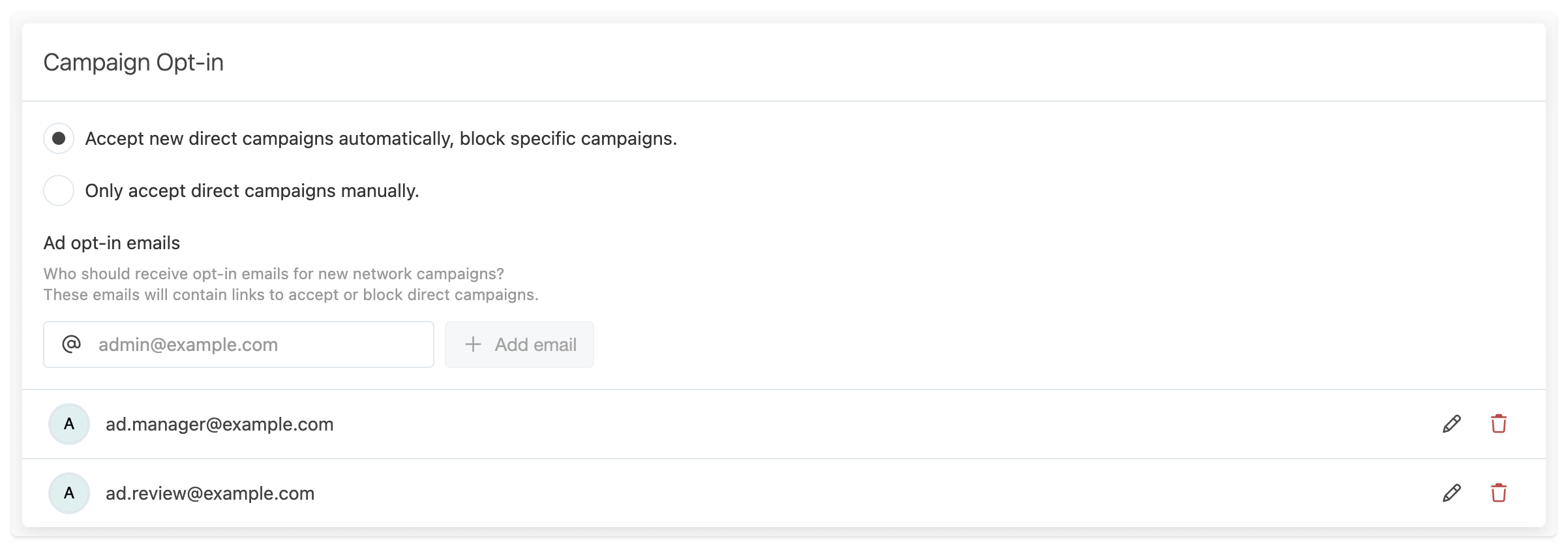
Campaign Opt-in
This section controls how Network ads are accepted when booked by our ad partners.
Publishers can choose to automatically accept new booked ads. They will still receive email notifications with the ability to opt-out of specific campaigns.
Alternatively this can be set so that any new campaigns must be manually accepted. When using this setting, there is a limited period during which publishers can accept a campaign before it is assigned to a different publisher.
This section also controls which emails should receive opt-in emails. This should be the person(s) responsible for approving ads on the publisher's content.
When campaigns are rejected, it's valuable to let us know the reason to improve future bookings.