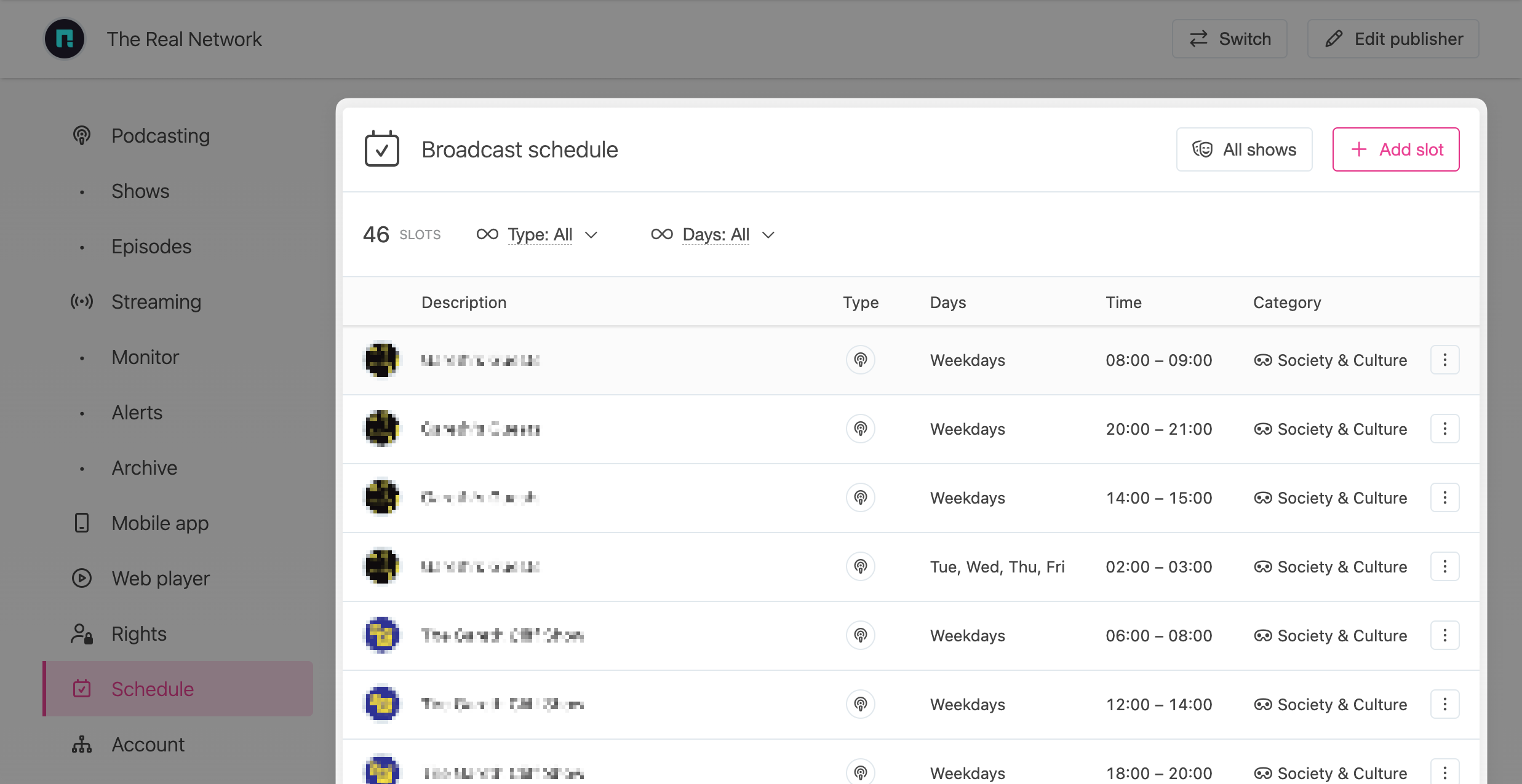
Publishers can define an optional broadcasting schedule of show times that can be displayed to listeners on our website.
How does it work ?
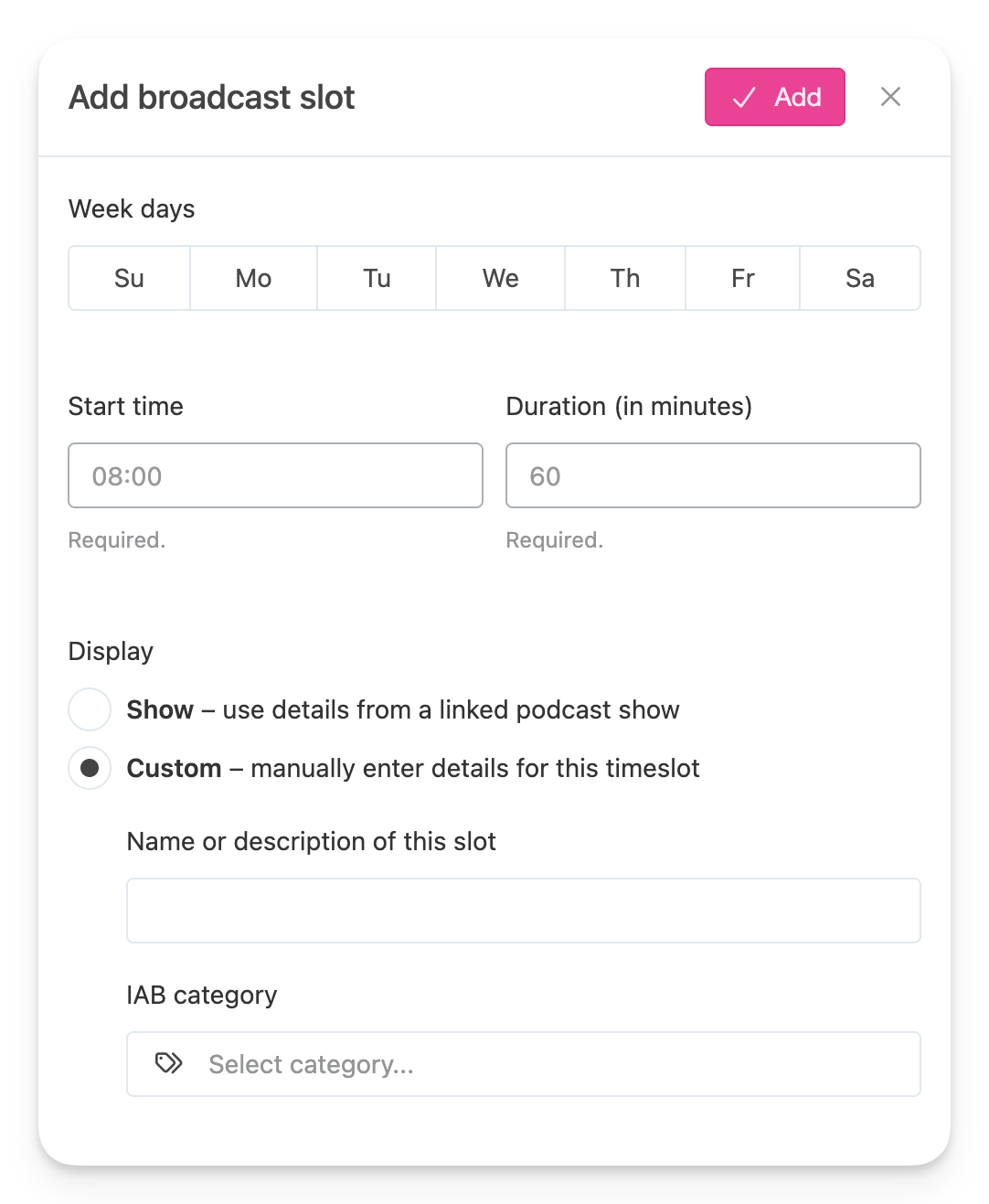
Our schedule allows a publisher to define zero or more broadcast slots, each of which sets:
- It's duration (how long the show is)
- It's broadcast times and days (when it is broadcast)
- An optional linked podcast show or,
- A description (what the show is about)
Relevant pages on our website will make this information available to users:
- Podcast show pages includes a "Schedule" button that is available if any of the slots in the publisher's schedule links to the show.
- Radio stream pages will always include a "Schedule" button if any items are defined for the publisher.
Editing the schedule
Use the "Add slot" button to add a new item to the schedule.